Features
Everything, just by asking.
Cubescape is built for talking, not tapping. Here's the tour: from the Talk button to picking the work up again at your desk.
Talk
Where everything starts
The Talk button
The orb shows what's happening: rings while it's listening, ripples while it's talking, and laps while Claude Code is working. Captions show both sides as you go.
Your Personal Assistant
Tap Talk on the home screen to start the day: what's urgent in your inbox, what moved on your calendar, what's waiting on you, using everything you've connected to Claude.
The switchboard
Say which project you want, and it moves you there. Say “back to the assistant” and you're home again. Weave in and out all day without touching the screen.
Projects and sessions
Any of them, by voice
Your projects, and new ones
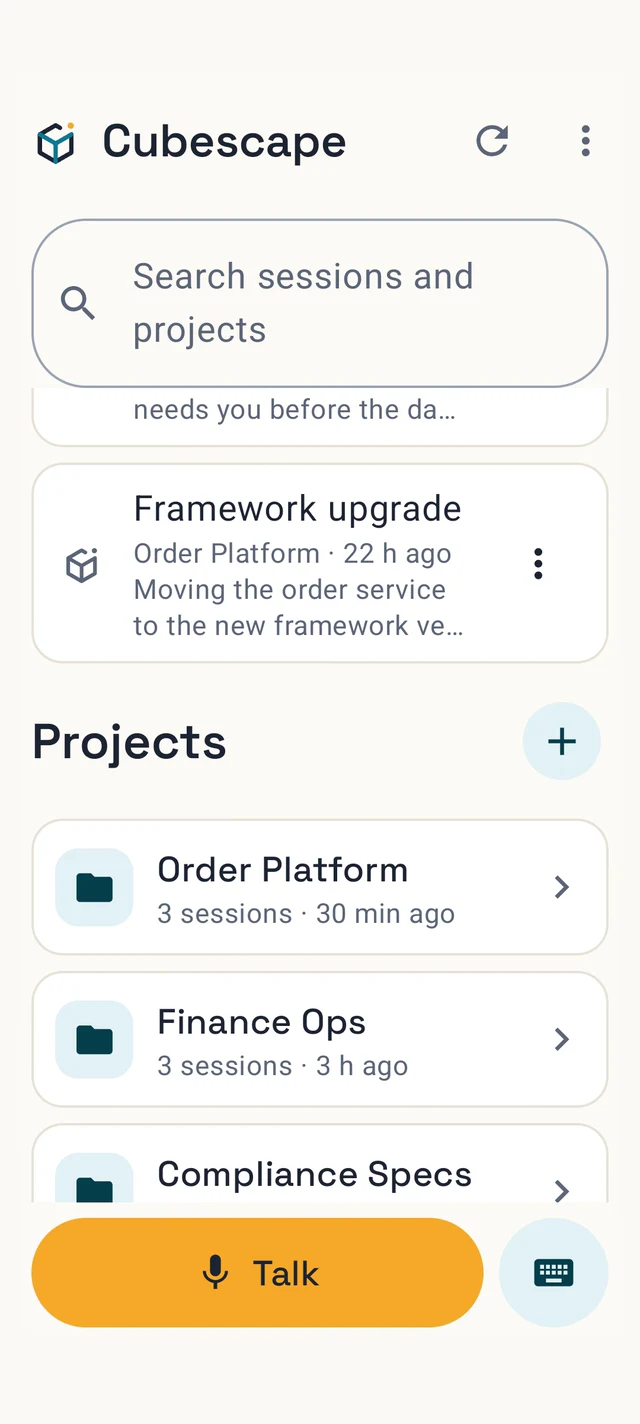
Your existing projects show up on their own. Say “start a new project called Inventory Sync”, and Cubescape makes the folder and opens a fresh session. Each project can use a different Claude model.
Pick up where you left off
Sessions are the actual conversations with Claude Code. Pick up yesterday's by name, or start a fresh one. Rename, delete, or fork one into a copy to try something without touching the original.
Recent and search
Recent shows everything you've touched lately, across every project. Search finds the session where you did that thing last week.
Several jobs at once
You're not stuck in a queue
Start the next one
Start a job in one session, and while it works, jump to another project and start the next one. Then a third. They all run at the same time on your computer.
Check in, add to it, or stop it
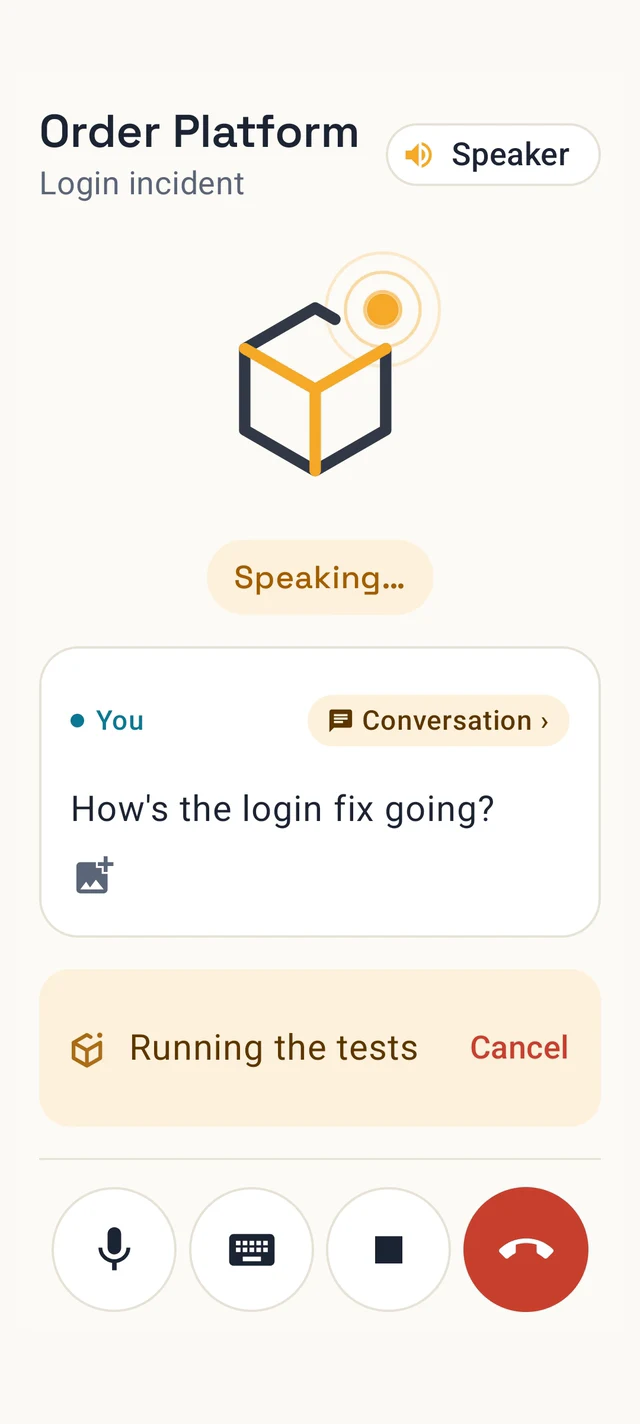
Ask “how's the login fix going?” and it checks. “Also add a test that catches this next time” goes straight to the job that's running. Changed your mind? Tell it to stop.
Approvals built for voice
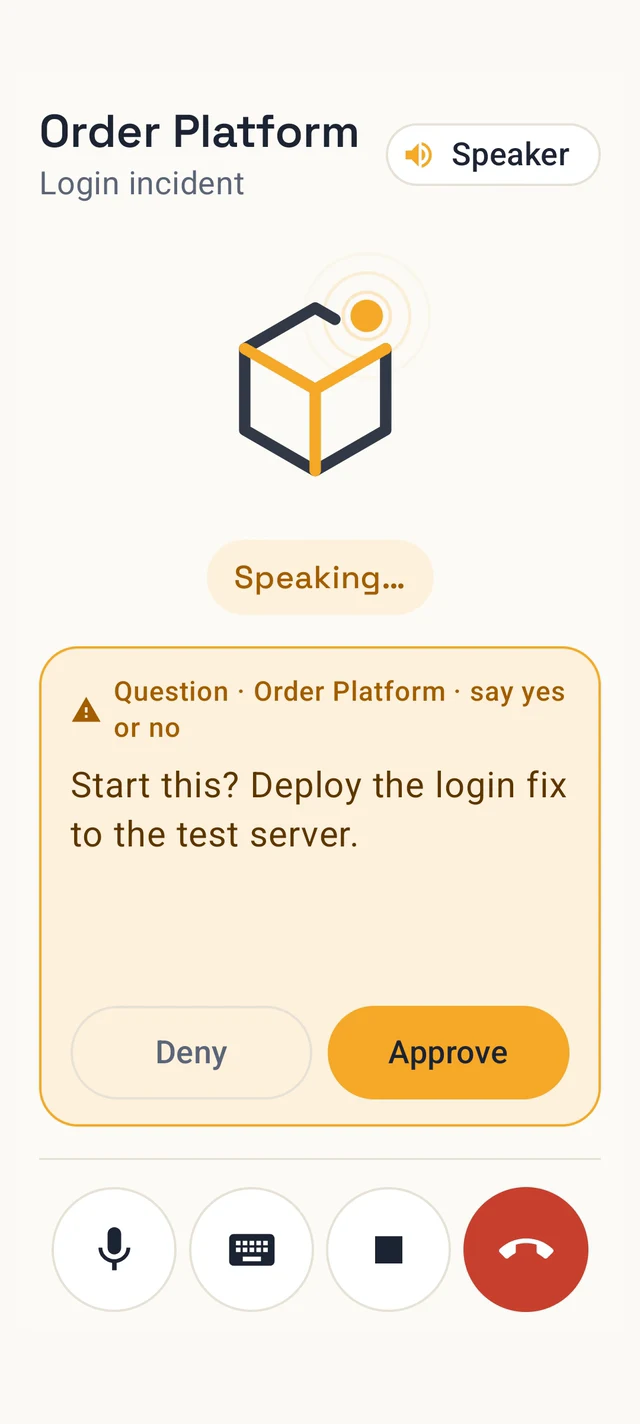
It repeats the job back and waits for “I approve”, or your own words naming the job. Claude Code's own permission questions come to your phone too. Or tap the card, when that's easier.
Results
Short to hear, full to read
Hear the short version
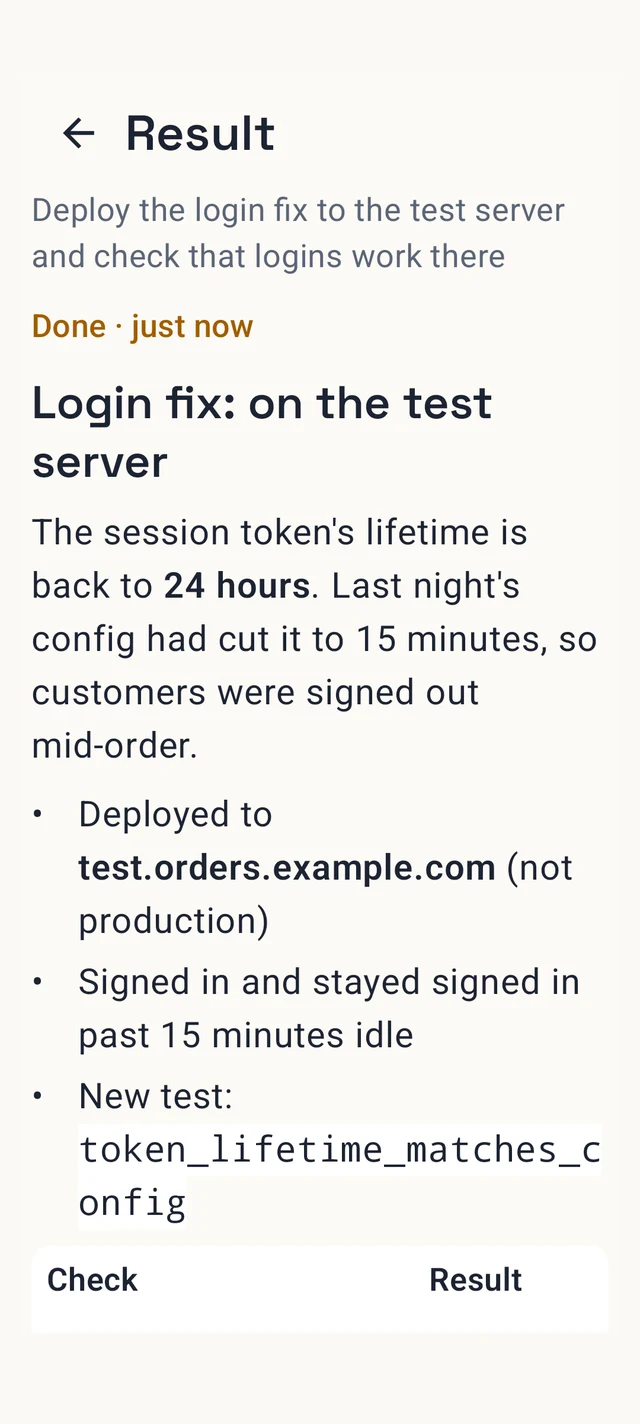
When a task finishes, you hear a couple of sentences. The full result is on your screen, laid out for a phone: headings, lists and tables you can read without pinching and zooming.
Screenshots and files
Screenshots open right there. See every file the task changed, and save any of them to your phone.
Show it a photo
Send a photo from your phone and ask about it: an error on a screen, a whiteboard, a page of notes.
Your way
Voice first, not voice only
Type when you can't talk
In a waiting room, a meeting or a quiet train, tap the keyboard and type instead. Same session, same history, same approvals. One tap brings the voice back.
Put it away
You don't have to stay in the app. Cubescape lets you know when a task is done, or when it needs you, like a sign-in only you can do.
In the car
Through your car's speakers and mic over Bluetooth, with its name on the dashboard. It tunes out road noise, and long answers wait until you've parked.
Back at your desk
These are real Claude Code sessions. Open the same one in Claude Code on your computer and keep going, then hand it back to Cubescape when you head out again.
Make it yours
Name your assistant, pick its voice, and give it a personality. Save them as profiles to switch between.
The app
What you see when you glance at it.
- Your projectsAnd every session, searchable
- Checks firstSay “I approve”, or tap Approve
- Check in anytimeThe current step, and Cancel
- The full resultLaid out for your phone